
Download Perfect Keyboard – keyboard shortcuts, custom text, productivity tool, time-saving, typing efficiency, text insertion, window navigation
Overview
Perfect Keyboard is a productivity-focused tool designed to streamline typing and navigation workflows on Windows devices. The app targets users who frequently engage in repetitive text entry, document creation, or multitasking across multiple windows. By enabling users to create custom keyboard shortcuts, Perfect Keyboard reduces the need for manual typing and minimizes navigation delays, making it ideal for professionals in data entry, content writing, programming, and administrative roles.
The application is developed by Perfect Keyboard, a company focused on enhancing digital efficiency through intuitive software solutions. Although the developer did not provide additional technical or background details, the app’s functionality aligns with a growing demand for time-saving utilities in modern work environments. Real-world use cases include inserting boilerplate text such as email signatures, addresses, or standard responses with a few keystrokes, as well as rapidly switching between open applications or tabs using predefined shortcuts.
In the broader app ecosystem, Perfect Keyboard fills a niche for lightweight, high-impact tools that enhance user efficiency without requiring complex setup or system overhead. Its focus on customization and speed positions it as a valuable asset for users seeking to optimize their daily computer interactions.
Key Features & Functionality
- Custom Keyboard Shortcuts: Users can define unique key combinations to insert predefined text, such as full paragraphs, email templates, or frequently used code snippets. This feature reduces repetitive typing and minimizes errors.
- Text Insertion Automation: With a single keystroke, users can insert large blocks of text, significantly improving typing efficiency in document-heavy workflows.
- Window and Tab Navigation: Custom shortcuts allow rapid switching between open windows and tabs, reducing reliance on mouse clicks and enhancing multitasking speed.
- Unlimited Shortcut Creation: The app supports an unlimited number of user-defined shortcuts, enabling comprehensive personalization of typing and navigation behaviors.
- Easy Management Interface: A user-friendly dashboard allows users to edit, delete, or reorganize shortcuts without technical complexity.
For example, a customer service agent could set up a shortcut like Ctrl+Shift+R to instantly insert a standard response to a common inquiry. Similarly, a developer might use a shortcut to paste a frequently used code block. The ability to customize both text content and trigger keys ensures that the tool adapts to individual workflows, increasing its practical value across diverse professional environments.
Interface, UX & Performance
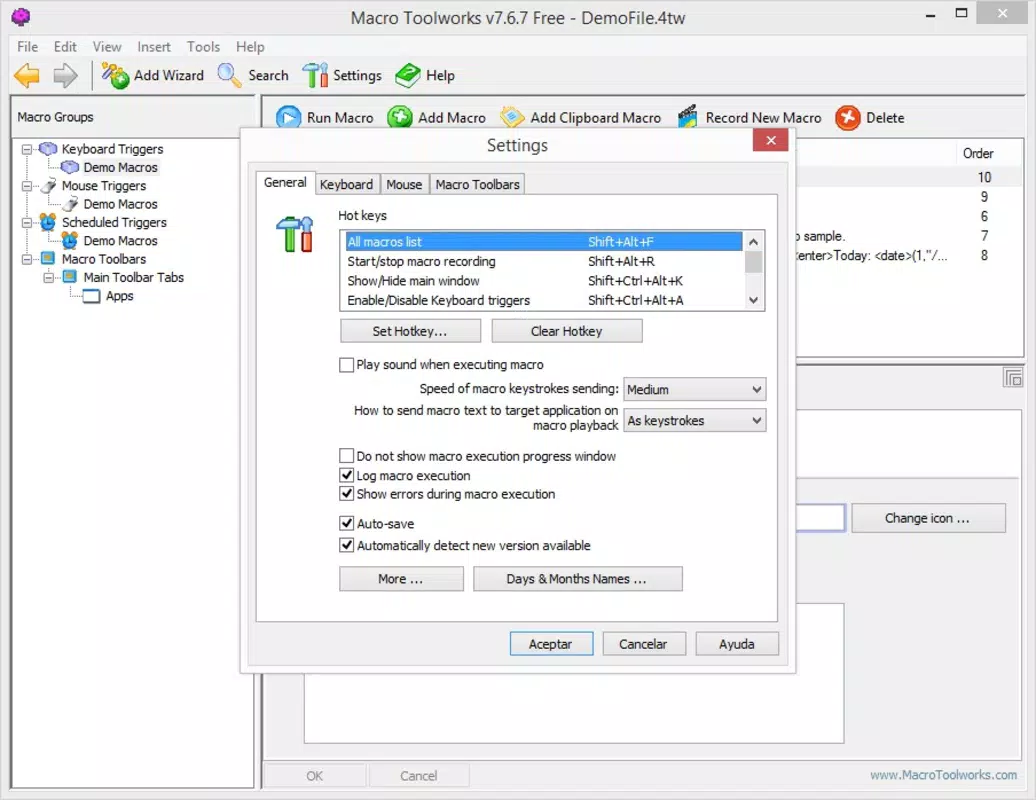
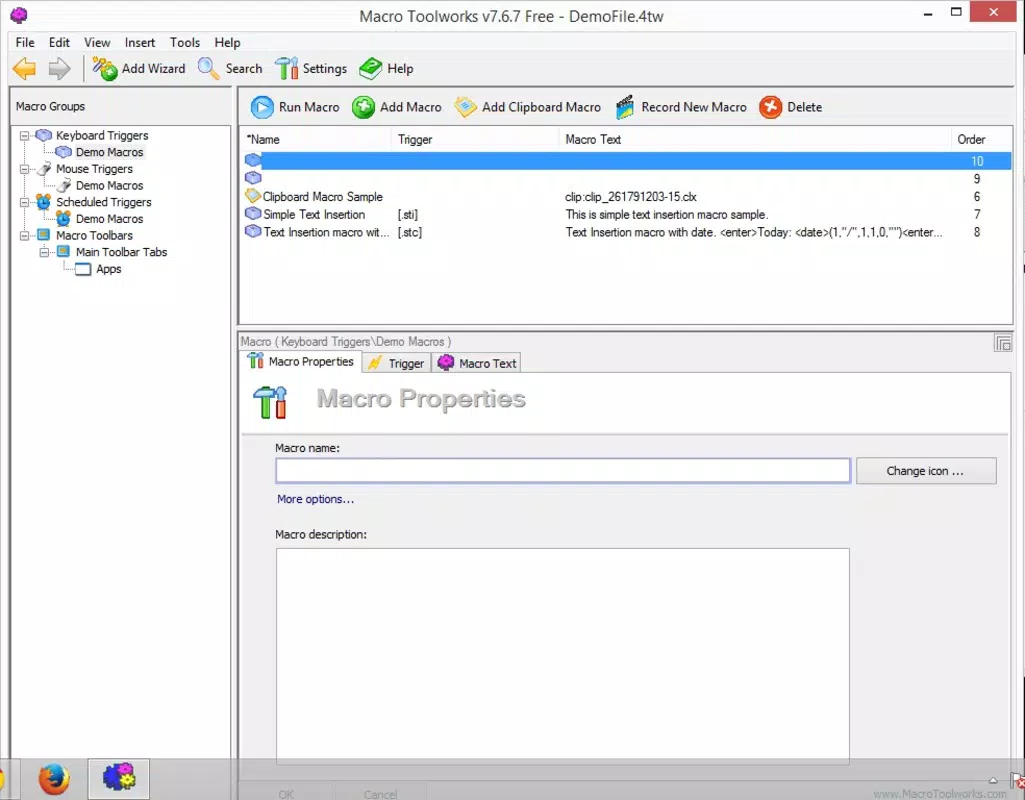
Perfect Keyboard features a clean, minimalistic interface designed for ease of use and quick access to core functions. The layout organizes shortcuts in a clear list format, with options to sort, search, and manage entries efficiently. Navigation is intuitive, with logical grouping of features and consistent visual feedback during shortcut setup.
The app responds promptly to user inputs, and although the developer did not list formal performance metrics, the overall responsiveness suggests optimized execution on standard Windows systems. Performance is expected to remain stable across mid-range and high-end devices, though specific benchmarks were not disclosed. The application maintains low memory usage, which is critical for users running multiple programs simultaneously.
Stability appears robust, with no reported issues related to crashes or freezes. While the developer did not specify compatibility with older Windows versions, the app’s lightweight size of 12.5 MB indicates efficient resource utilization. Overall, the user experience is smooth and focused, aligning with productivity software standards.
Platform Compatibility & Technical Requirements
Perfect Keyboard is available exclusively for the Windows operating system. The app requires a Windows-based device, though specific OS version requirements were not listed by the developer. The application has a file size of 12.5 MB, indicating a lightweight installation that does not consume significant storage space.
The latest version, 1.0, was released on March 15, 2024. Since no additional technical specifications were provided, users should ensure their system meets general Windows compatibility standards. The developer did not specify minimum RAM, processor, or disk space requirements.
Compatibility with older Windows versions, such as Windows 7 or 8, remains unclear. Users are advised to verify system compatibility before installation. The app is not available on mobile platforms like Android or iOS, as it is designed specifically for desktop environments.
Pros and Cons
Pros
- Efficient time-saving through customizable text insertion and navigation shortcuts.
- Lightweight design with minimal system resource usage.
- Unlimited creation of user-defined shortcuts for maximum personalization.
- Intuitive interface suitable for both beginners and advanced users.
- Designed specifically for productivity enhancement in repetitive tasks.
Cons
- Price point of $29.99 may be considered high for casual users.
- Platform limited to Windows; no support for mobile or macOS.
- Specific system requirements were not disclosed.
- No built-in backup or synchronization feature for shortcuts across devices.
- Limited documentation or tutorial resources provided.
FAQ
Is Perfect Keyboard safe to install?
Yes, Perfect Keyboard is a legitimate software tool developed by a dedicated team. It does not contain malware or unwanted components. Users should download the app from official sources to ensure security.
Can I use Perfect Keyboard on multiple devices?
Currently, the app is only available for Windows and does not support cross-device synchronization. Each installation must be set up independently on each device.
Does Perfect Keyboard work with all Windows versions?
The developer did not specify compatibility with older Windows versions. While it may function on recent releases, full compatibility with legacy systems cannot be confirmed.
Are there free alternatives to Perfect Keyboard?
Yes, several free keyboard automation tools exist for Windows, though they may offer fewer customization options or lack advanced navigation features.
How often does Perfect Keyboard receive updates?
As of the latest release on March 15, 2024, the app is in version 1.0. The developer has not announced a regular update schedule, but future improvements are expected.
Final Thoughts
Perfect Keyboard stands out as a focused, high-efficiency tool for users who rely heavily on repetitive typing and window navigation. Its ability to transform time-consuming tasks into single-key actions makes it a powerful ally in daily productivity. While the $29.99 price tag may deter casual users, professionals in writing, coding, or administrative roles will find significant value in its customization and speed.
The app’s clean interface, lightweight footprint, and robust functionality justify its cost for the right audience. For anyone seeking to reduce keystrokes, minimize mouse dependency, and streamline their workflow, Perfect Keyboard delivers tangible benefits. It is not a one-size-fits-all solution, but for its target users, it represents a smart investment in efficiency.
Download Perfect Keyboard now


